AI Tool Reviews — Find the Right Tool for You
Honest, beginner-friendly reviews of the best AI tools in 2026. Tested and rated by our team so you can choose with confidence.
Browse All Tools
Honest, beginner-friendly reviews of the best AI tools in 2026. Tested and rated by our team so you can choose with confidence.
Browse All Tools
Best conversational AI for beginners
ChatGPT by OpenAI is the world's most popular AI assistant. It excels at writing, answering questions, brainstorming, and everyday tasks with a simple chat interface.
Best for long-form analysis and documents
Anthropic's Claude stands out for its exceptional ability to handle very long documents, nuanced analysis, and thoughtful reasoning with a strong safety focus.
Best AI-powered note-taking tool
Notion AI integrates powerful AI capabilities directly into the popular Notion workspace. Draft notes, summarize meetings, and generate content without leaving your workflow.
Best AI search engine
Perplexity combines AI with real-time web search to give cited, up-to-date answers. It's the go-to tool for research and fact-based queries with source references.
Best for artistic image generation
Midjourney produces stunning, highly artistic images from text prompts. It's the industry gold standard for creative professionals, illustrators, and designers who want beautiful AI art.
Best for realistic image creation
DALL-E 3 from OpenAI generates realistic, detailed images directly from text descriptions. It's accessible through ChatGPT, making it the easiest image AI for beginners to start with.
Best AI coding assistant
GitHub Copilot integrates directly into VS Code and other editors, suggesting code completions, writing functions, and explaining code in real time. A must-have for developers at any level.
Best AI-powered code editor
Cursor is an AI-first code editor built on VS Code that lets you chat with your entire codebase, refactor large files, and generate features using natural language commands.
Best AI for data visualization
Tableau AI enhances the industry-leading visualization platform with AI-powered insights, auto-generated dashboards, and natural language queries for non-technical users.
Best automated ML platform
DataRobot automates the machine learning lifecycle from data preparation to model deployment. It enables non-experts to build and deploy powerful predictive models without coding.
Best no-code automation tool
Zapier connects thousands of apps and now uses AI to build automations from natural language descriptions. Create powerful workflows without writing a single line of code.
Best visual automation builder
Make (formerly Integromat) offers a highly visual drag-and-drop automation builder with powerful AI modules. Ideal for complex workflows where visual logic mapping matters.
See how AI-powered tools stack up against the traditional software you may already be using.
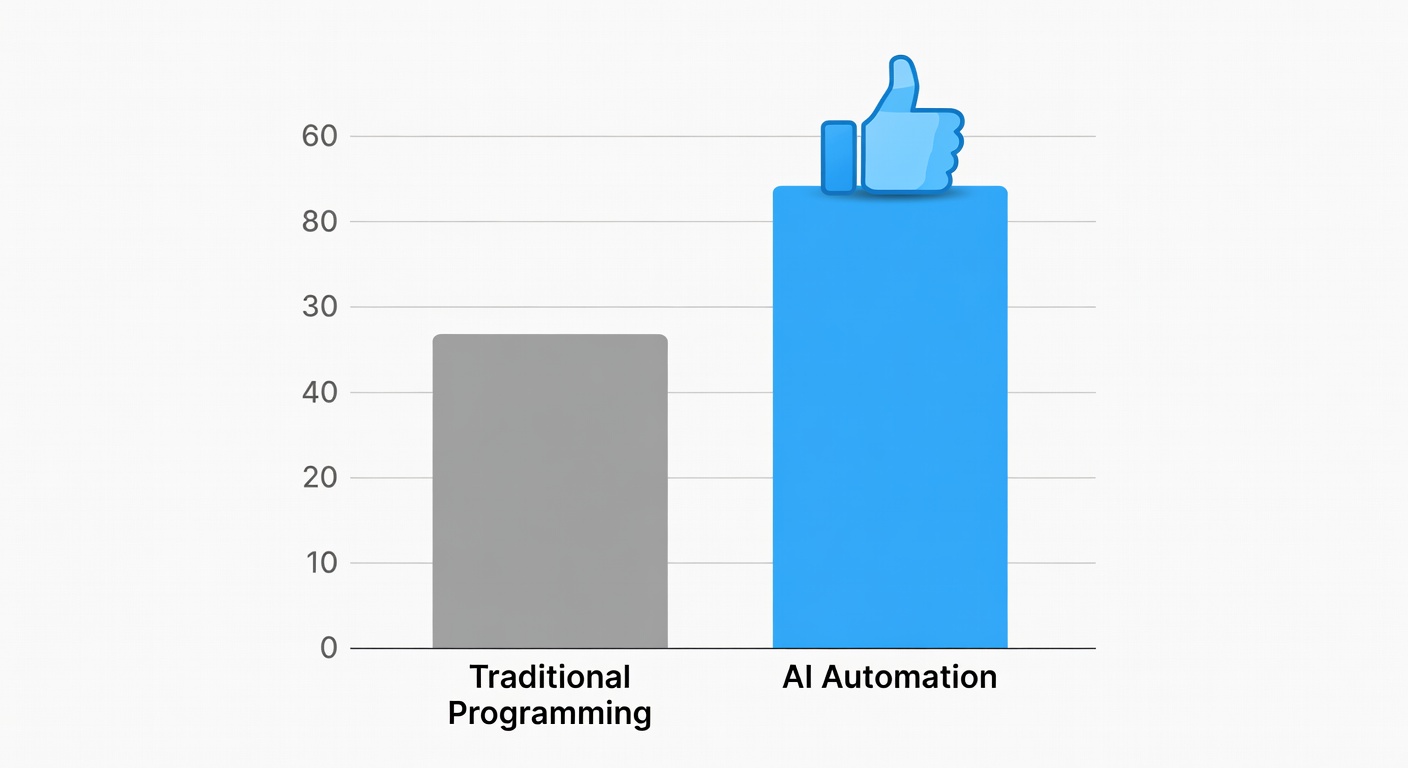
| Feature | Traditional Tools | AI Tools |
|---|---|---|
| Speed | Moderate — depends on user skill | Fast — handles complex tasks in seconds |
| Learning Curve | High — extensive training needed | Low — natural language interaction |
| Customization | Deep customization possible | Growing — prompt-based customization |
| Cost | High upfront or subscription fees | Often free tier available, affordable plans |
| Scalability | Limited by manual work | Scales instantly with AI automation |
| Creativity | Depends entirely on user creativity | AI augments and amplifies creativity |
How do the three leading text AI tools compare across the criteria that matter most?
| Criteria | ChatGPT | Claude | Perplexity |
|---|---|---|---|
| Free Tier | Yes (GPT-4o limited) | Yes (limited) | Yes (generous) |
| Context Window | 128K tokens | 200K tokens | 32K tokens |
| Best For | General use, creativity | Long documents, analysis | Research, up-to-date info |
| Beginner Rating | ★★★★★ | ★★★★☆ | ★★★★☆ |
| API Available | Yes (OpenAI API) | Yes (Anthropic API) | Yes (Perplexity API) |
Tell us which AI tool you'd like us to review next. We publish new reviews every week based on community requests.